Create workspace
Create workspace
-
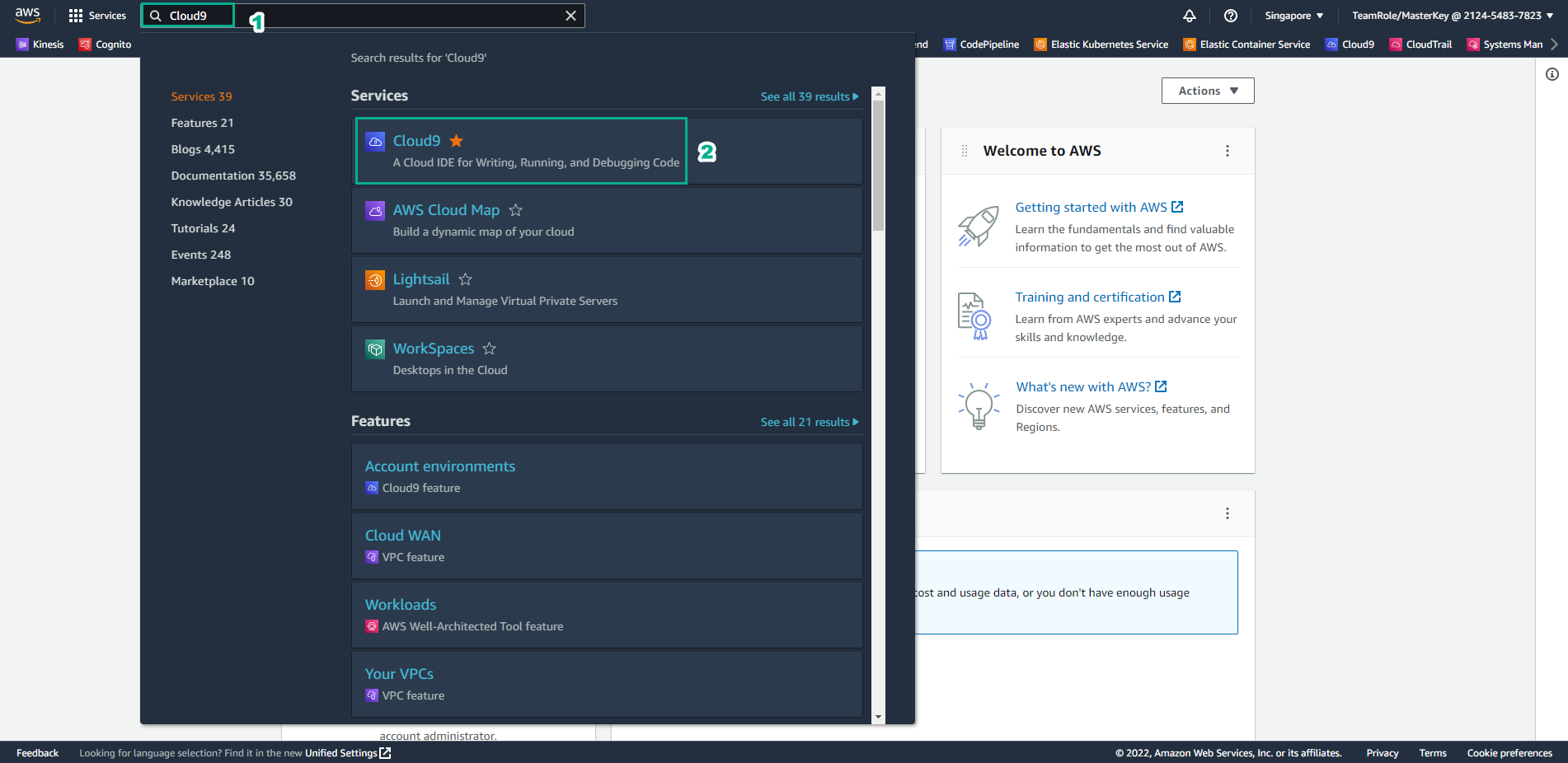
Go to AWS Management Console
- Find Cloud9
- Select Cloud9
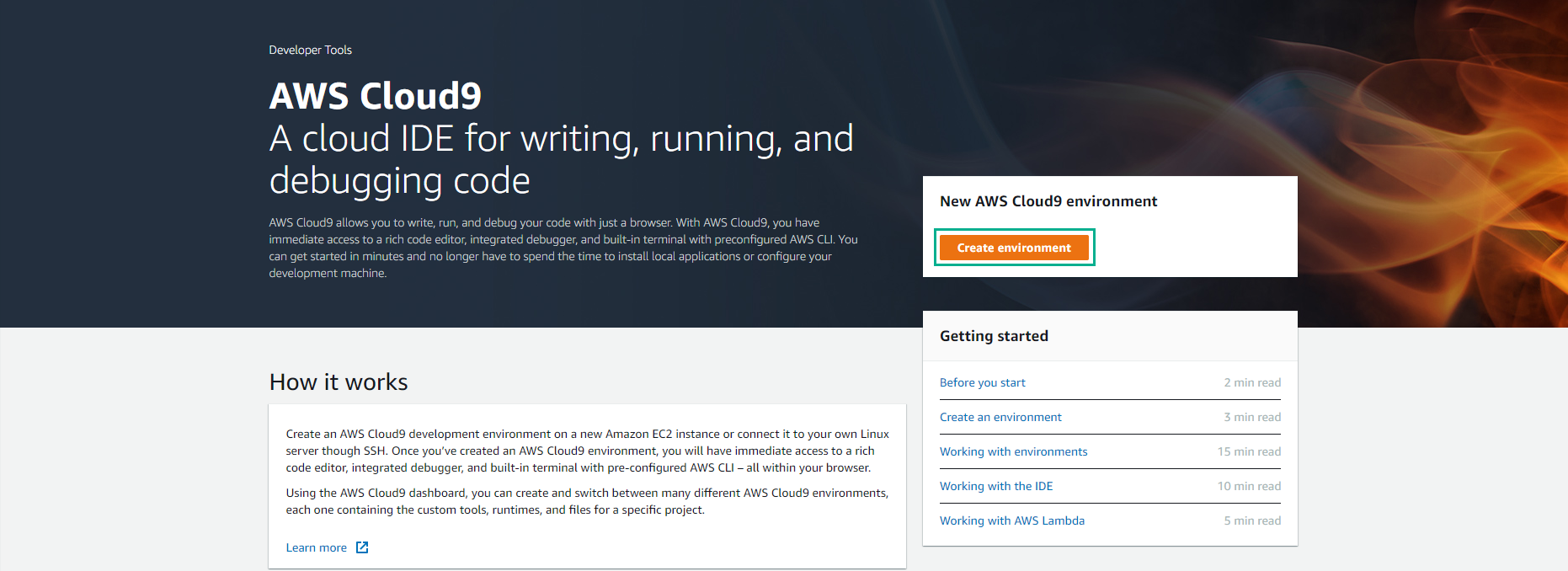
- Select Create environment
-
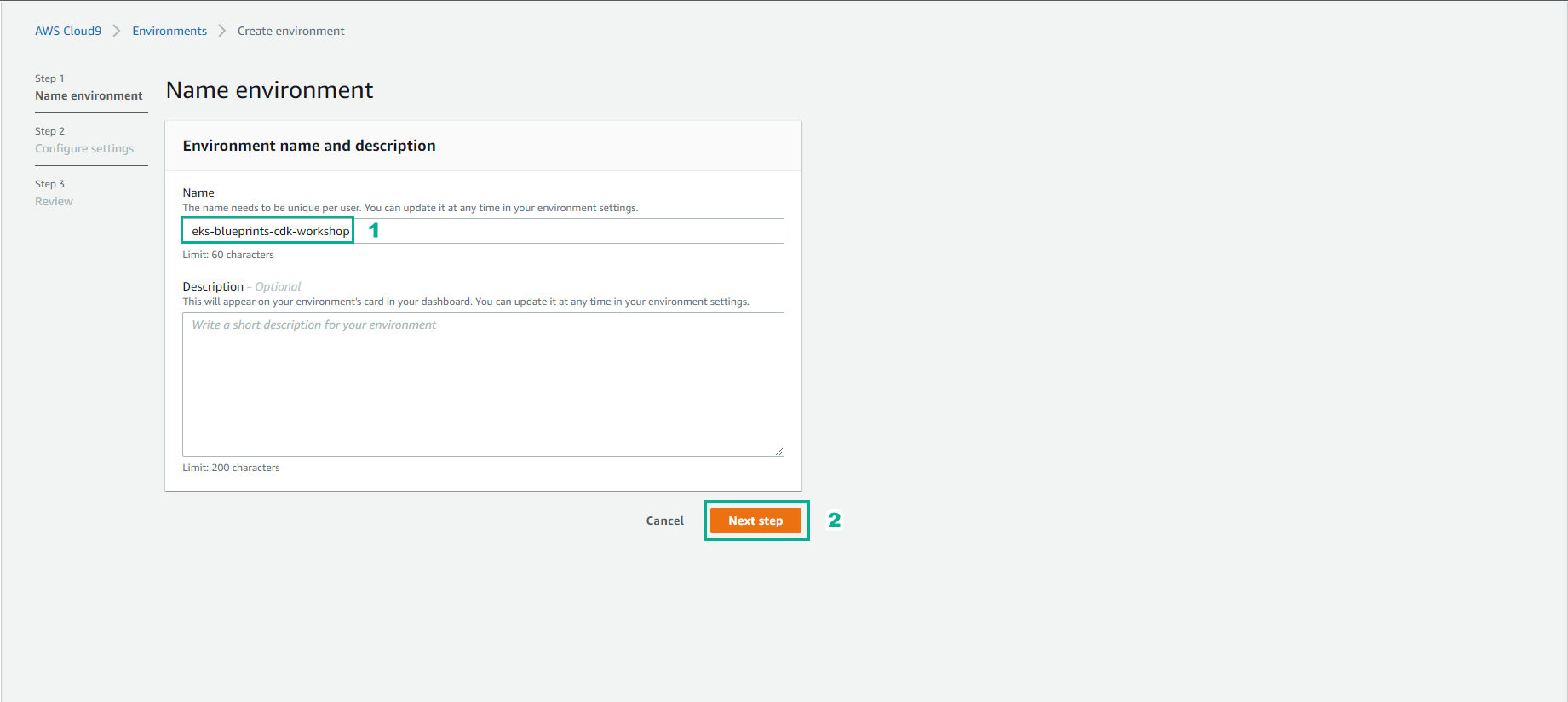
In the Create environment interface
- Name, enter
eks-blueprints-cdk-workshop - Select Next step
- Name, enter
-
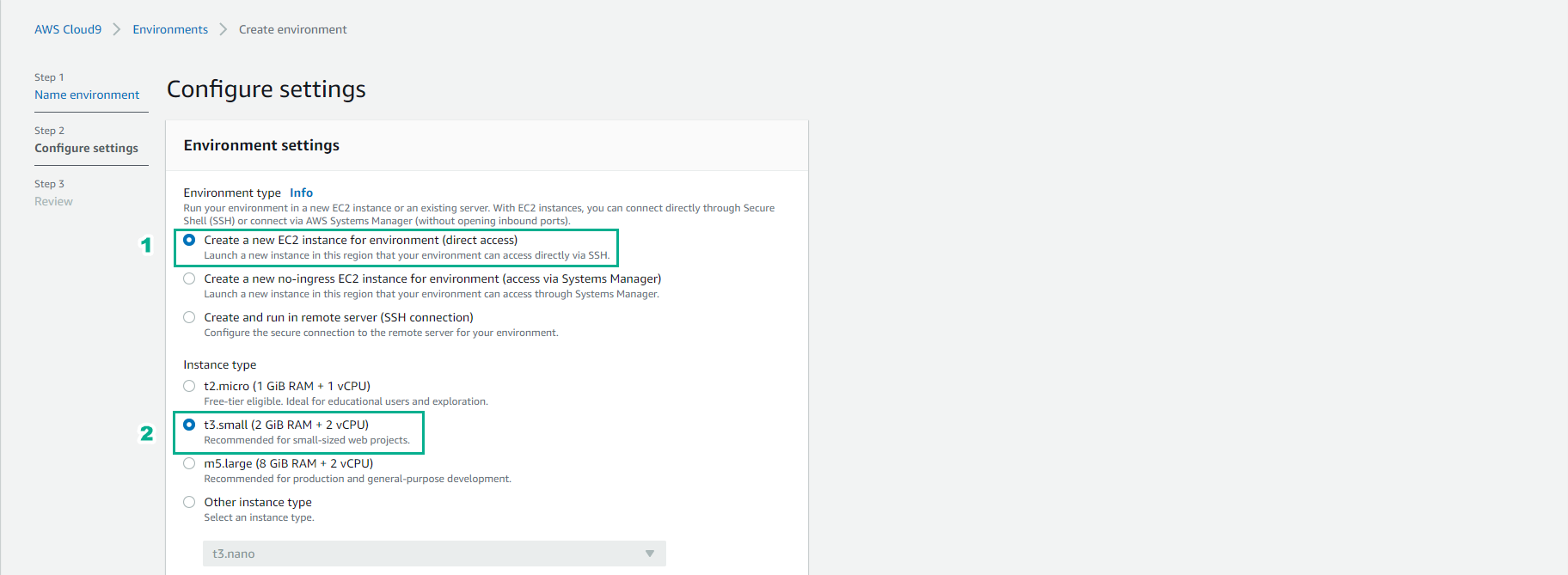
In the Configure settings interface
- Select Create a new EC2 instance for environment (direct access)
- Select t3.small (2 GiB RAM + 2 vCPU)
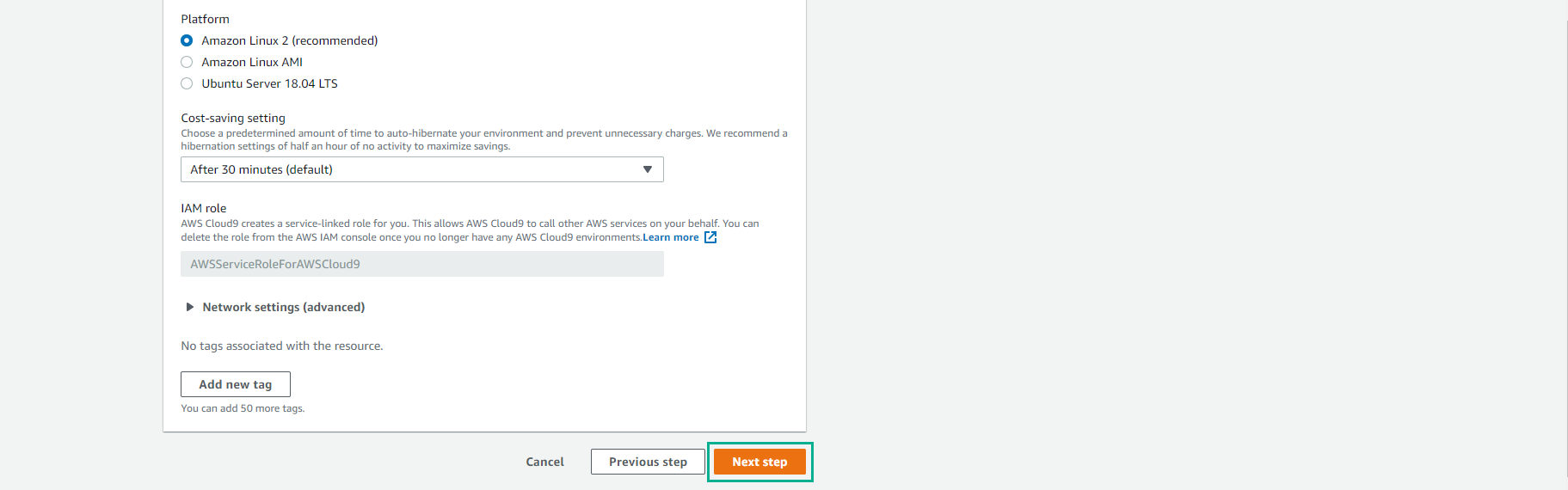
- Select Next step
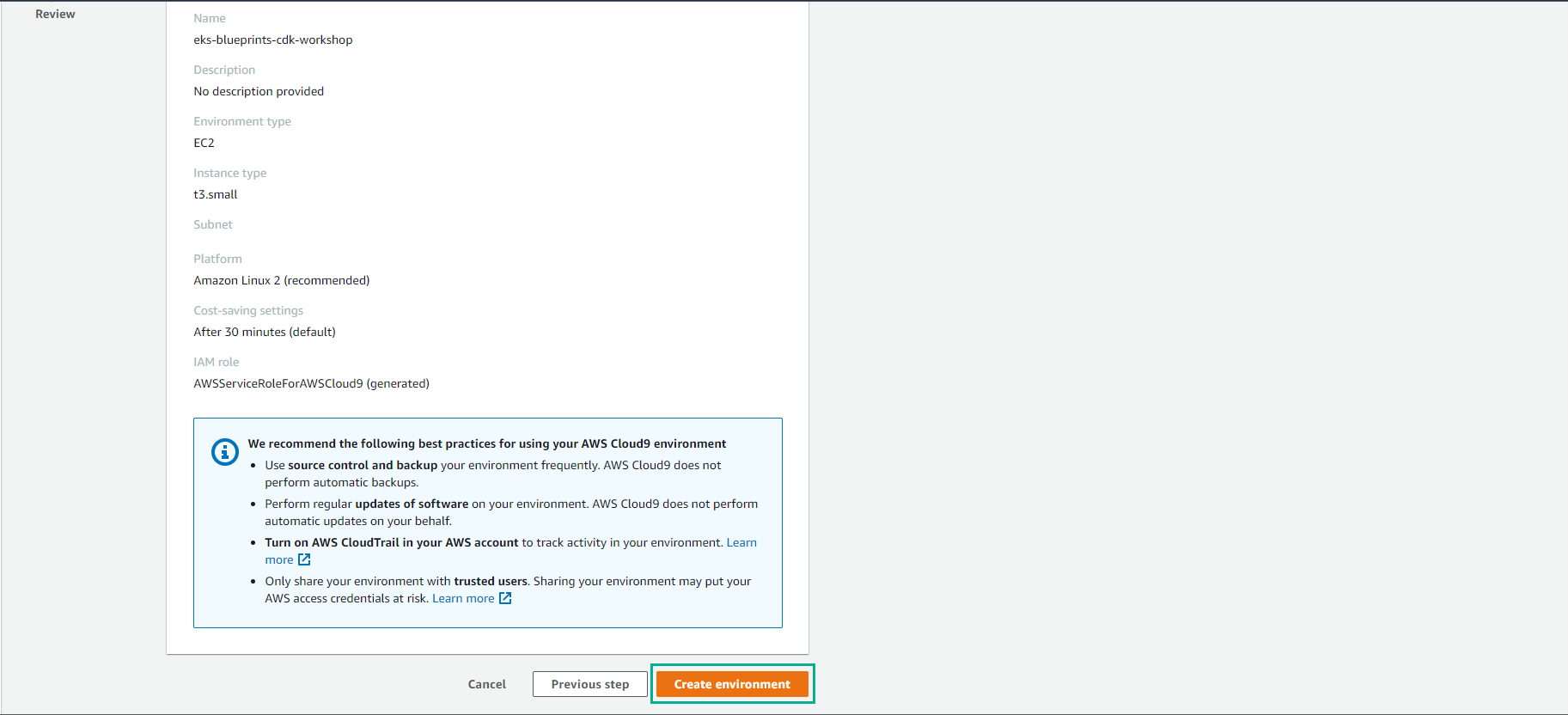
- Select Create environment
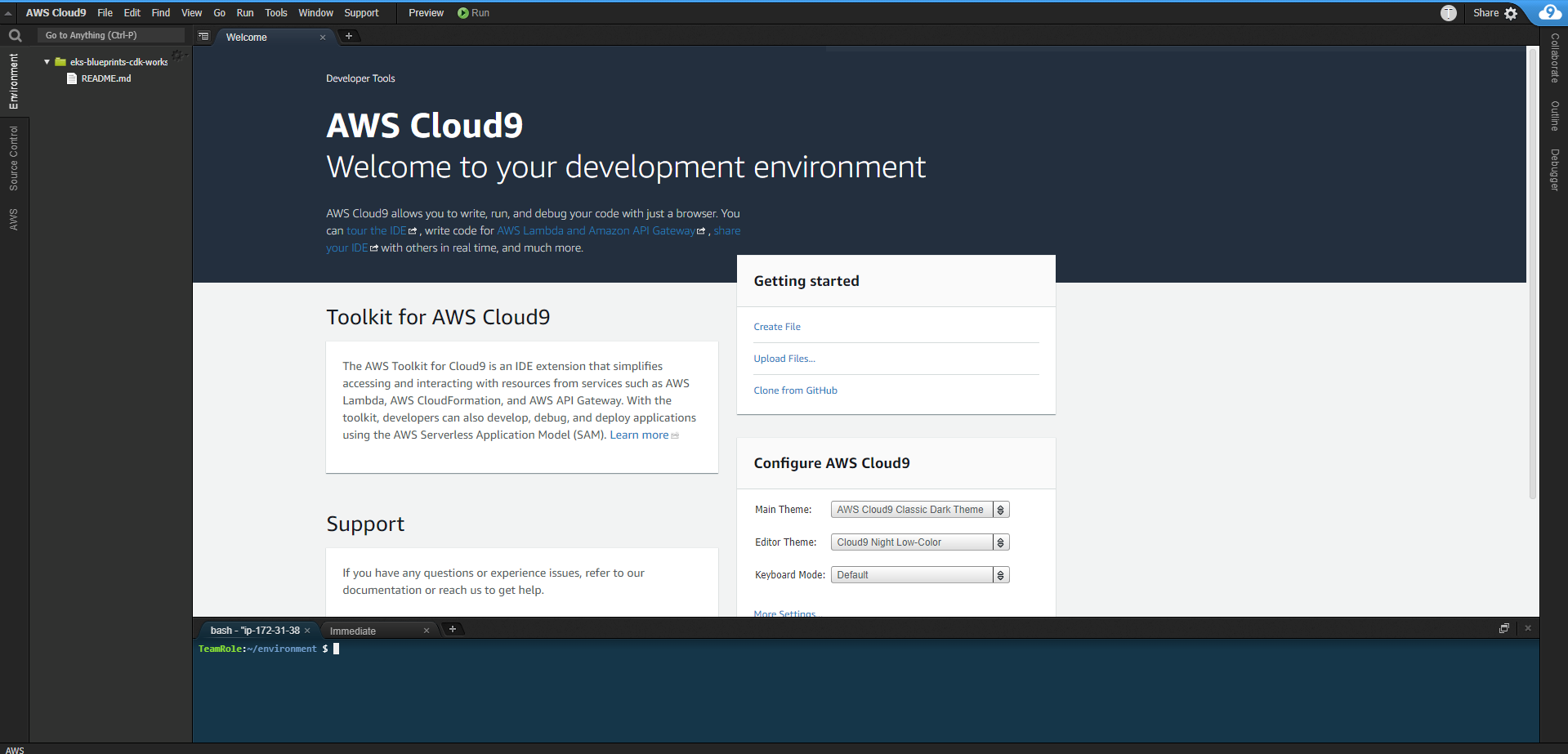
- Finish creating Cloud9 environment.
Increase disk size for Cloud9 instance
To execute Copy code, we use Ctrl + V for Windows or Command + V for Mac
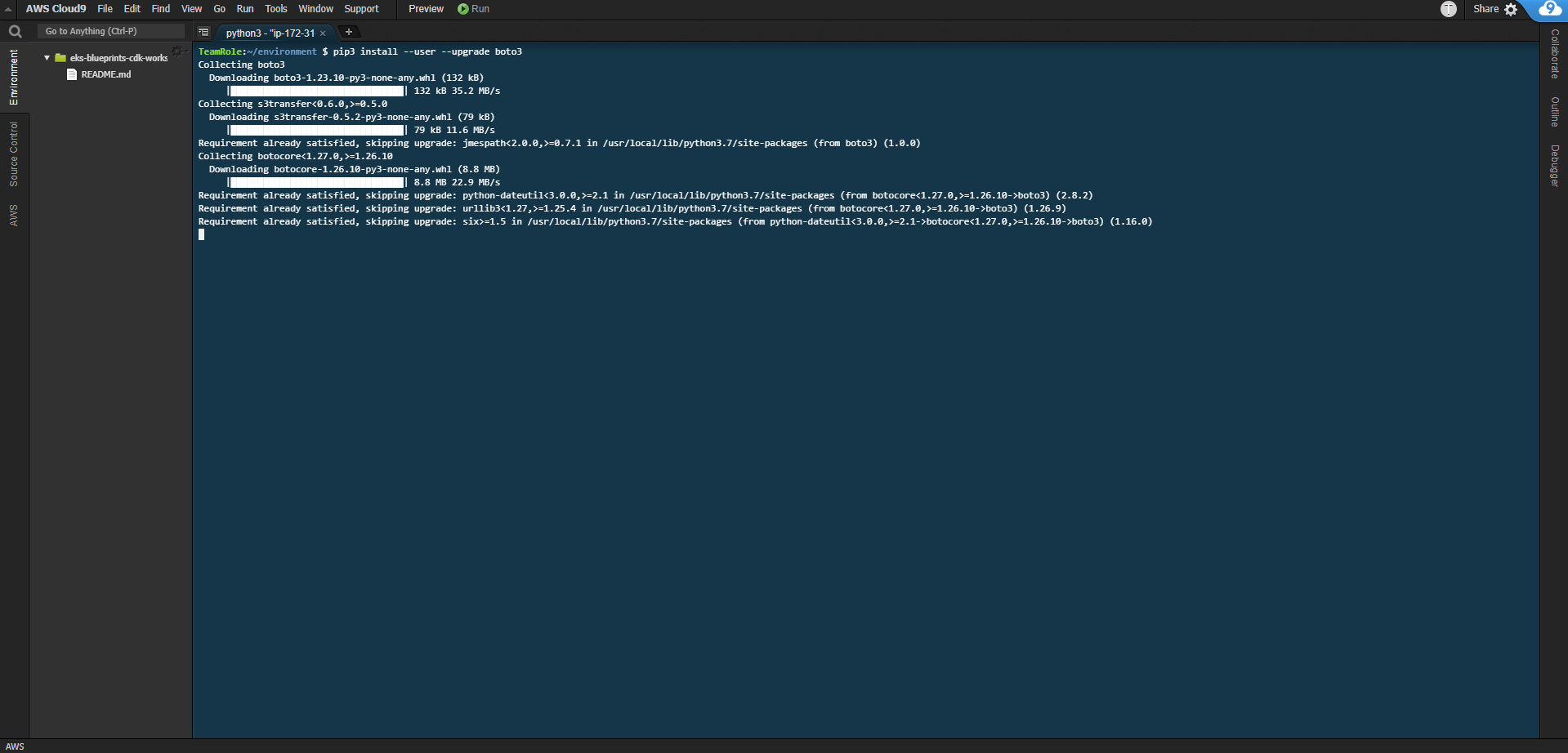
- Copy the following code and paste it into Cloud9
pip3 install --user --upgrade boto3
export instance_id=$(curl -s http://169.254.169.254/latest/meta-data/instance-id)
python -c "import boto3
import os
from botocore.exceptions import ClientError
ec2 = boto3.client('ec2')
volume_info = ec2.describe_volumes(
    Filters=[
        {
            'Name': 'attachment.instance-id',
            'Values': [
                os.getenv('instance_id')
            ]
        }
    ]
)
volume_id = volume_info['Volumes'][0]['VolumeId']
try:
    resize = ec2.modify_volume(
            VolumeId=volume_id,
            Size=30
    )
    print(resize)
except ClientError as e:
    if e.response['Error']['Code'] == 'InvalidParameterValue':
        print('ERROR MESSAGE: {}'.format(e))"
if [ $? -eq 0 ]; then
    sudo reboot
fi