Thiết lập các nhóm
Thiết lập các nhóm
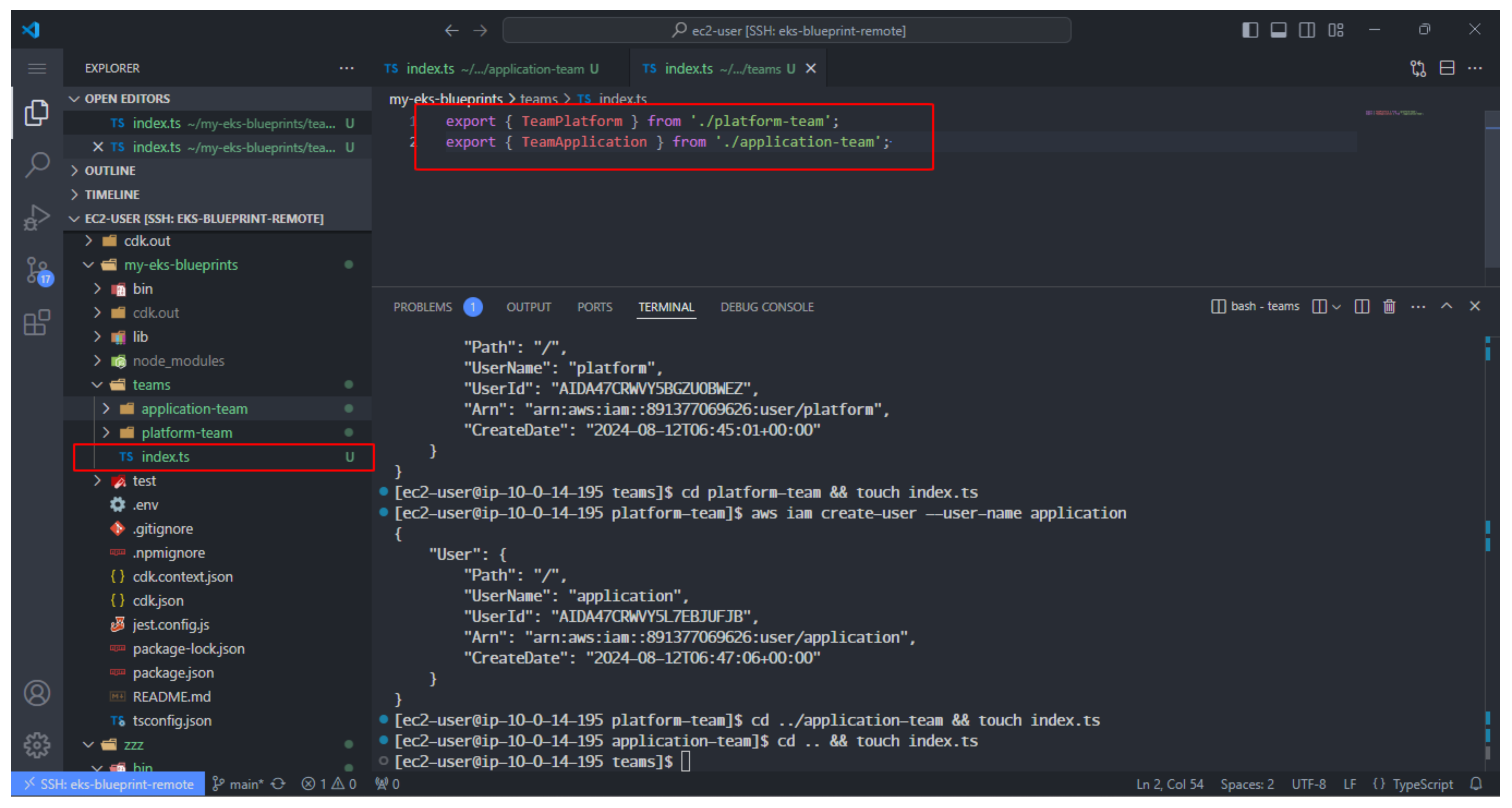
- Thực hiện tạo các thư mục là các team gồm: application và platform.
mkdir teams && cd teams && mkdir platform-team && mkdir application-team
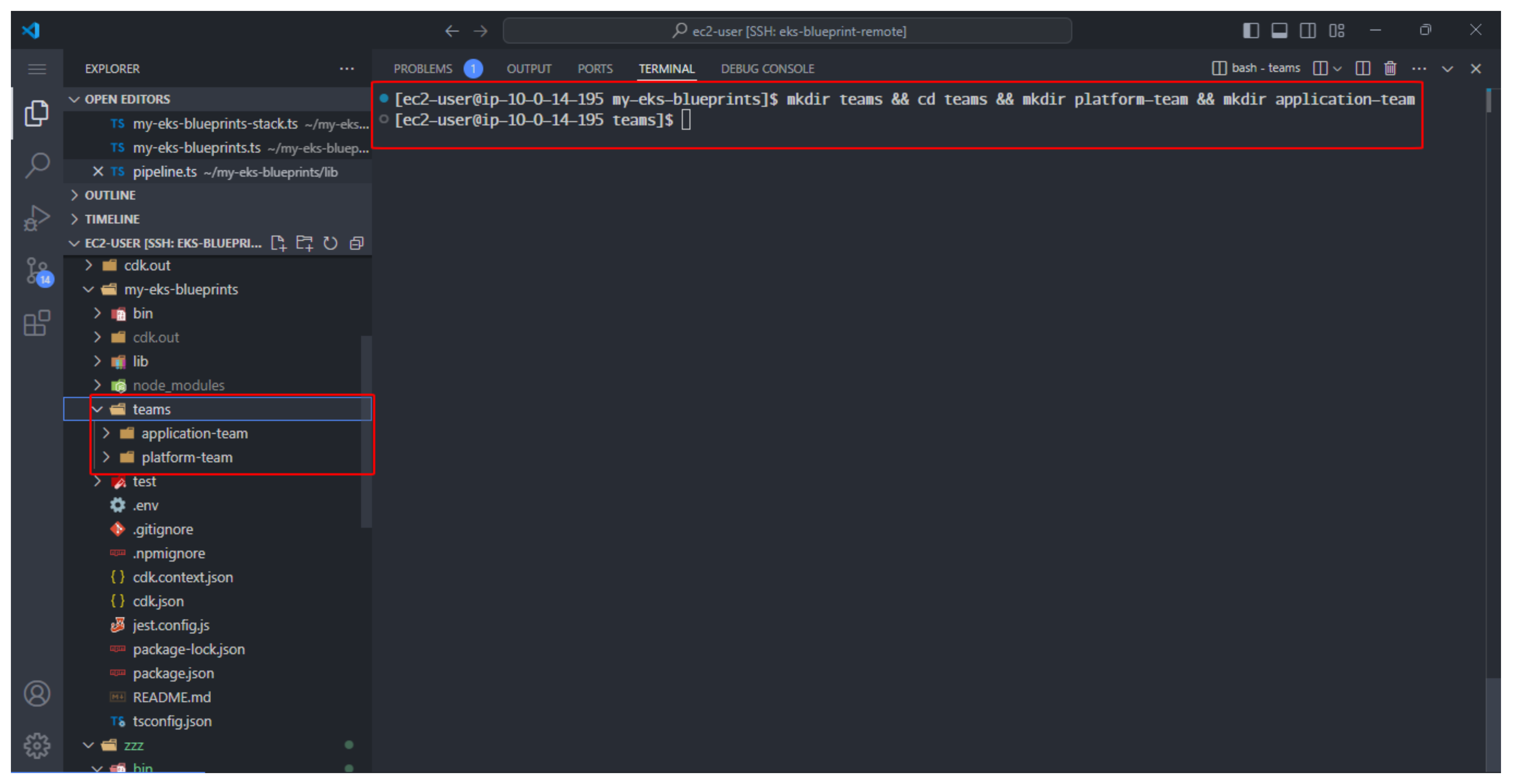
- Chúng ta sẽ bắt đầu bằng cách tạo một IAM user cho platform.
aws iam create-user --user-name platform
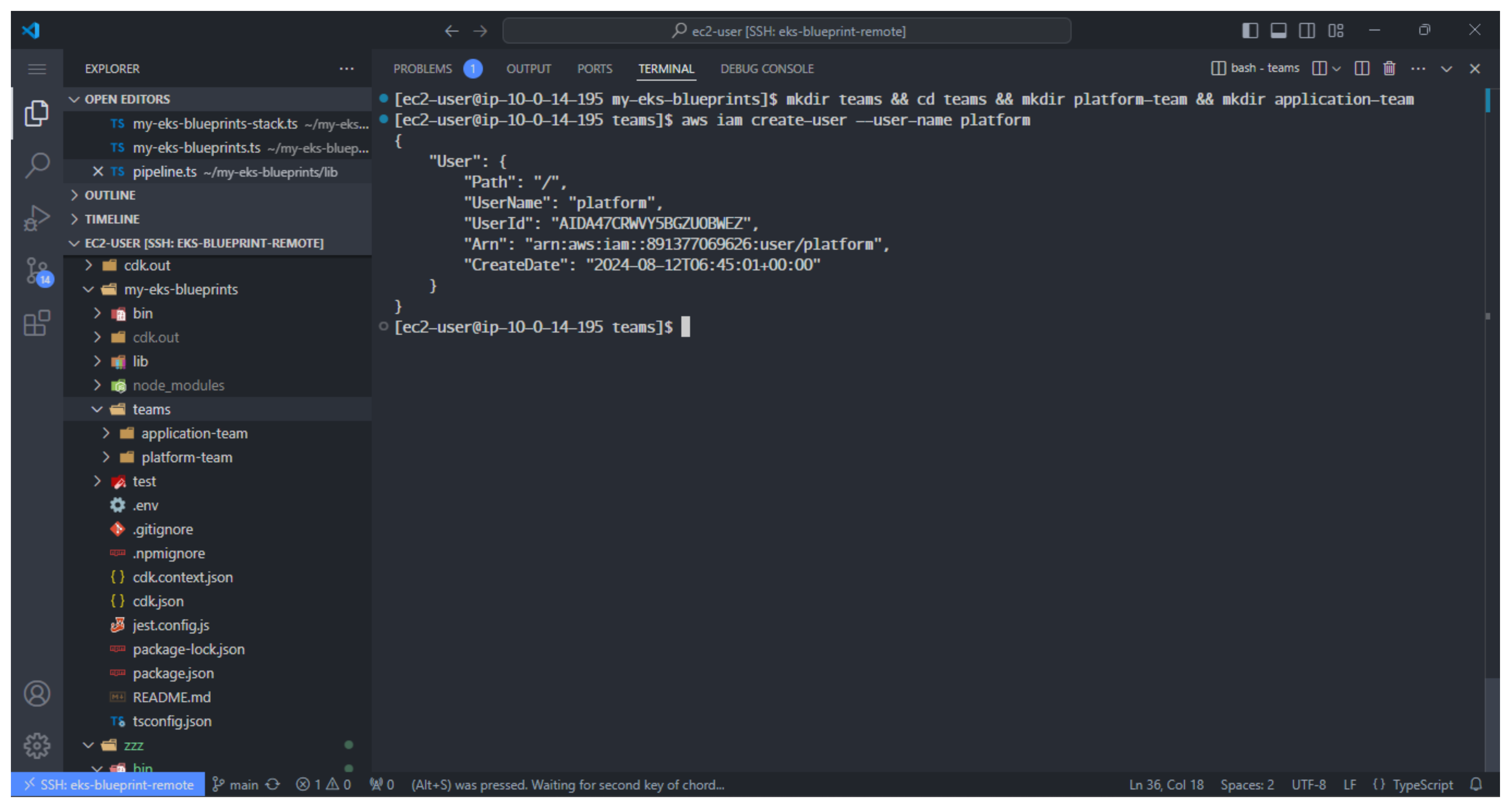
- Tạo một file index.ts, dùng để tạo ressource cho platform-team
cd platform-team && touch index.ts
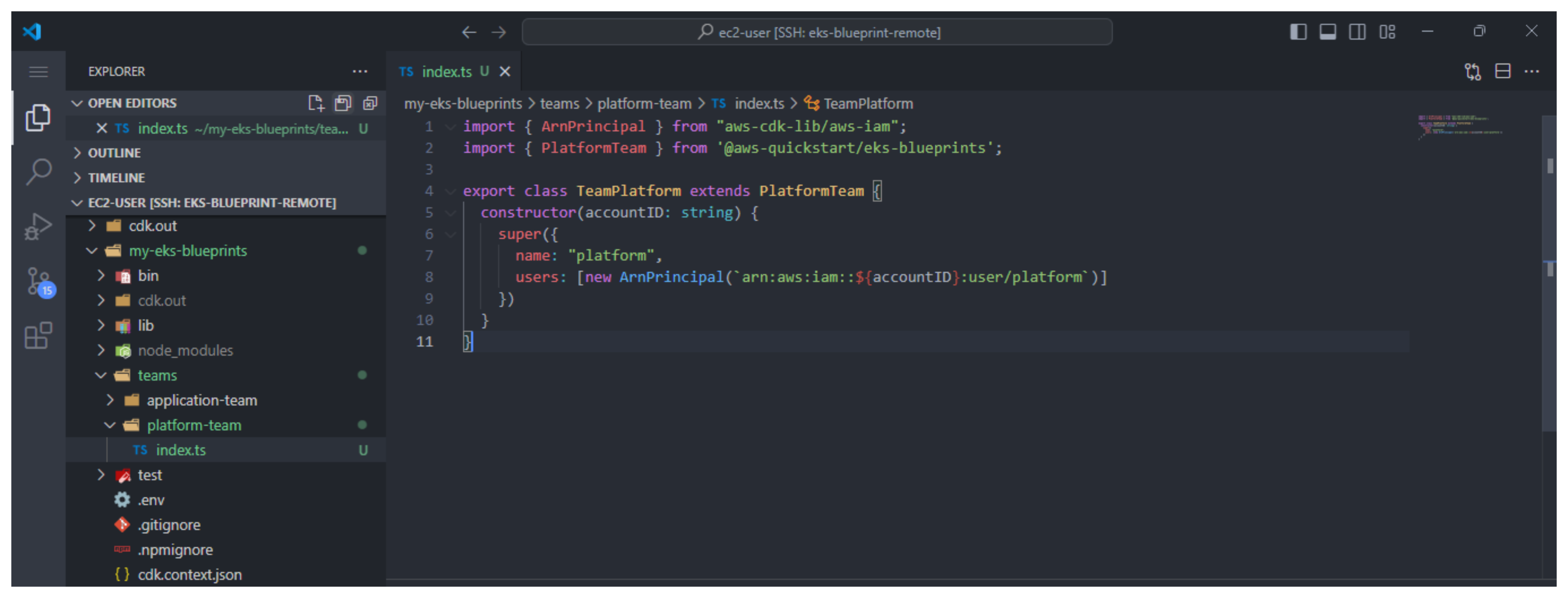
- Tiếp theo chúng ta thêm code block sau vào index.ts
import { ArnPrincipal } from "aws-cdk-lib/aws-iam";
import { PlatformTeam } from '@aws-quickstart/eks-blueprints';

export class TeamPlatform extends PlatformTeam {
    constructor(accountID: string) {
        super({
            name: "platform",
            users: [new ArnPrincipal(`arn:aws:iam::${accountID}:user/platform`)]
        })
    }
}
Giải thích đoạn code block:
-
Code block ở trên nhập ArnPrincipal construct từ mô-đun aws-cdk-lib/aws-iam cho AWS CDK để có thể thêm người dùng vào platform bằng thông tin đăng nhập IAM của họ.
-
Cách tốt nhất là mở rộng một class bằng cách sử dụng PlatformTeam class để những người thuộc platform/infrastucture của chúng ta có thể quản lý users/roles, trong khi các developer có thể chỉ cần tạo group bằng cách sử dụng các arugments được truyền vào.
-
Sau đó, chúng ta chuyển vào hai arugment: name và danh sách IAM user.
Application Team
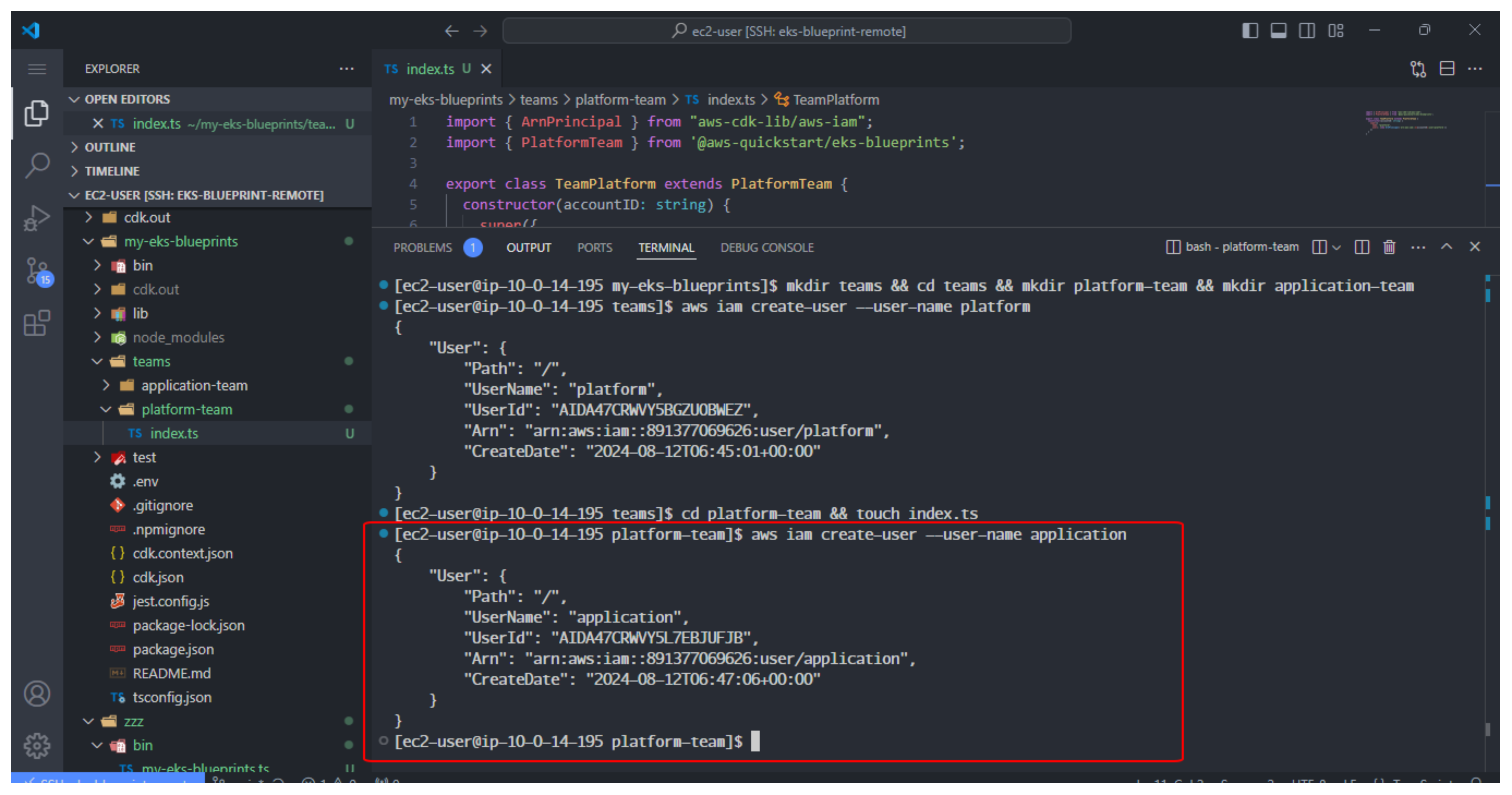
- Thực hiện tạo IAM user cho application team.
aws iam create-user --user-name application
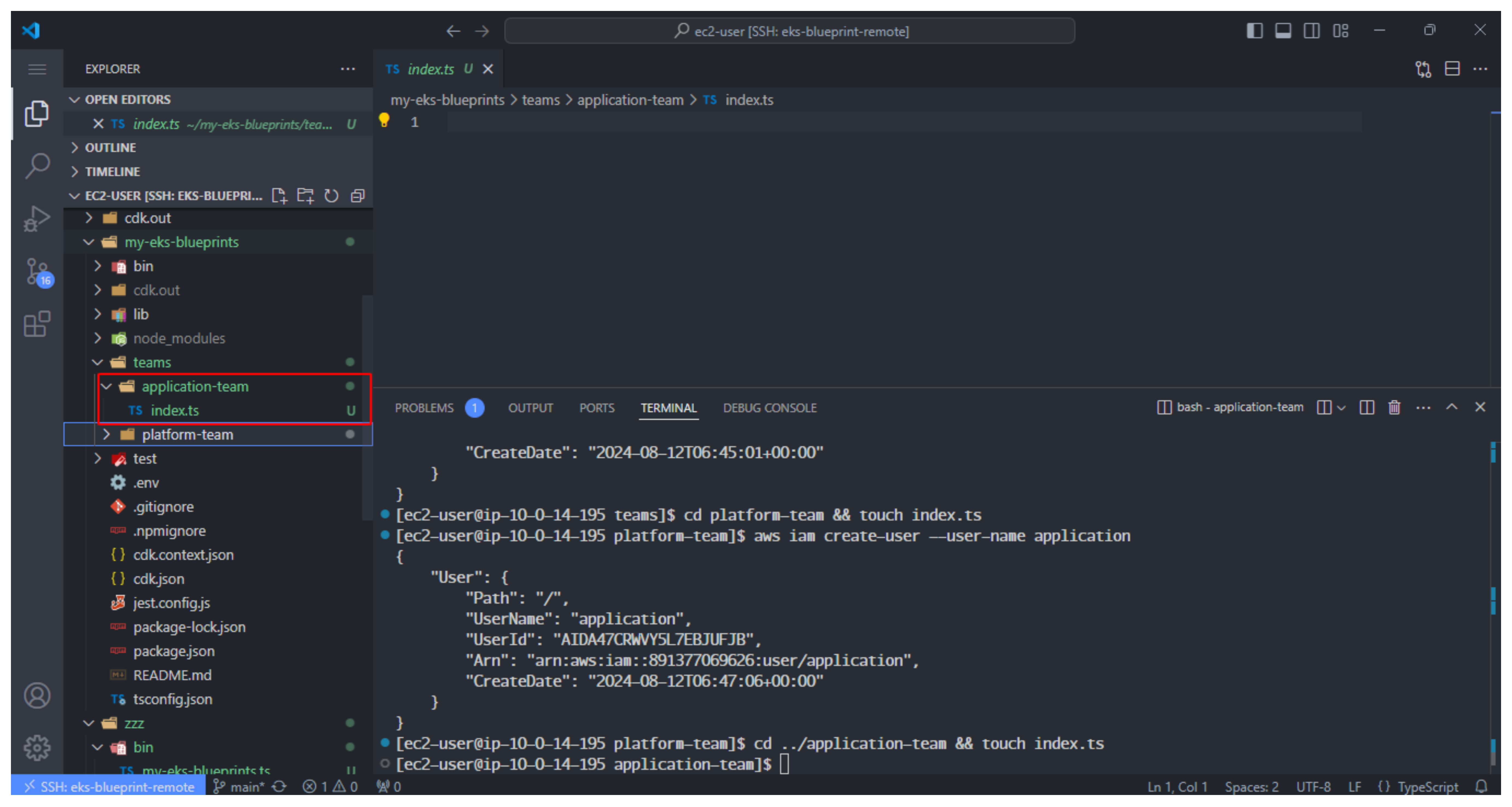
- Thay đổi đường dẫn thư mục và tạo file index.ts
cd ../application-team && touch index.ts
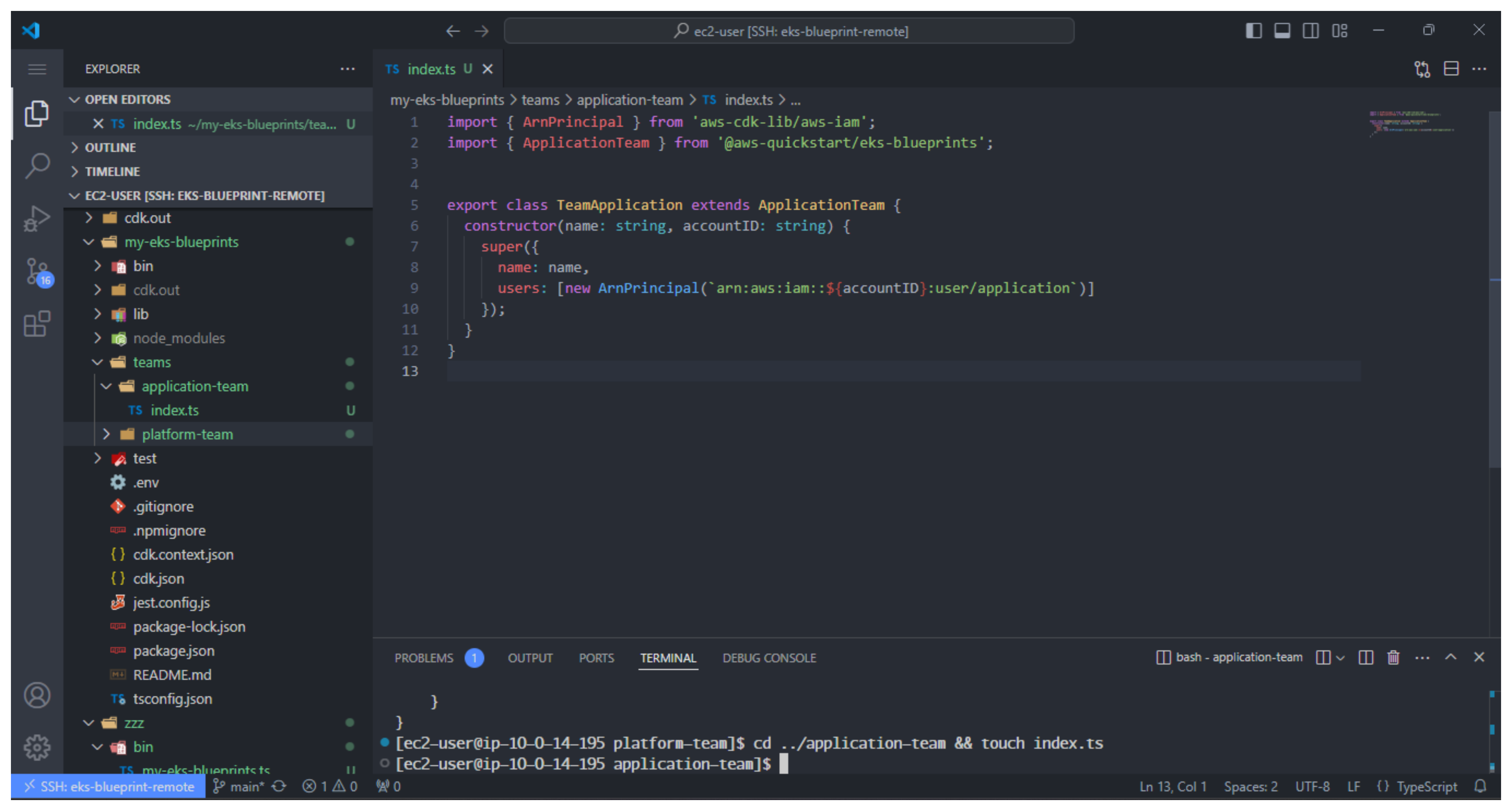
- Thêm code vào teams/application-team/index.ts file
import { ArnPrincipal } from 'aws-cdk-lib/aws-iam';
import { ApplicationTeam } from '@aws-quickstart/eks-blueprints';


export class TeamApplication extends ApplicationTeam {
    constructor(name: string, accountID: string) {
        super({
            name: name,
            users: [new ArnPrincipal(`arn:aws:iam::${accountID}:user/application`)]
        });
    }
}
Application Team template sẽ thực hiện những việc sau:
- Tạo một namespace
- Register quotas
- Đăng ký người dùng IAM để truy cập nhiều tài khoản
- Tạo một role được chia sẻ để truy cập cluster. Ngoài ra, một role hiện có có thể được cung cấp.
- Đăng ký role/user được cung cấp trong awsAuth map để truy cập kubectl và bảng điều khiển vào cluster và namespace.
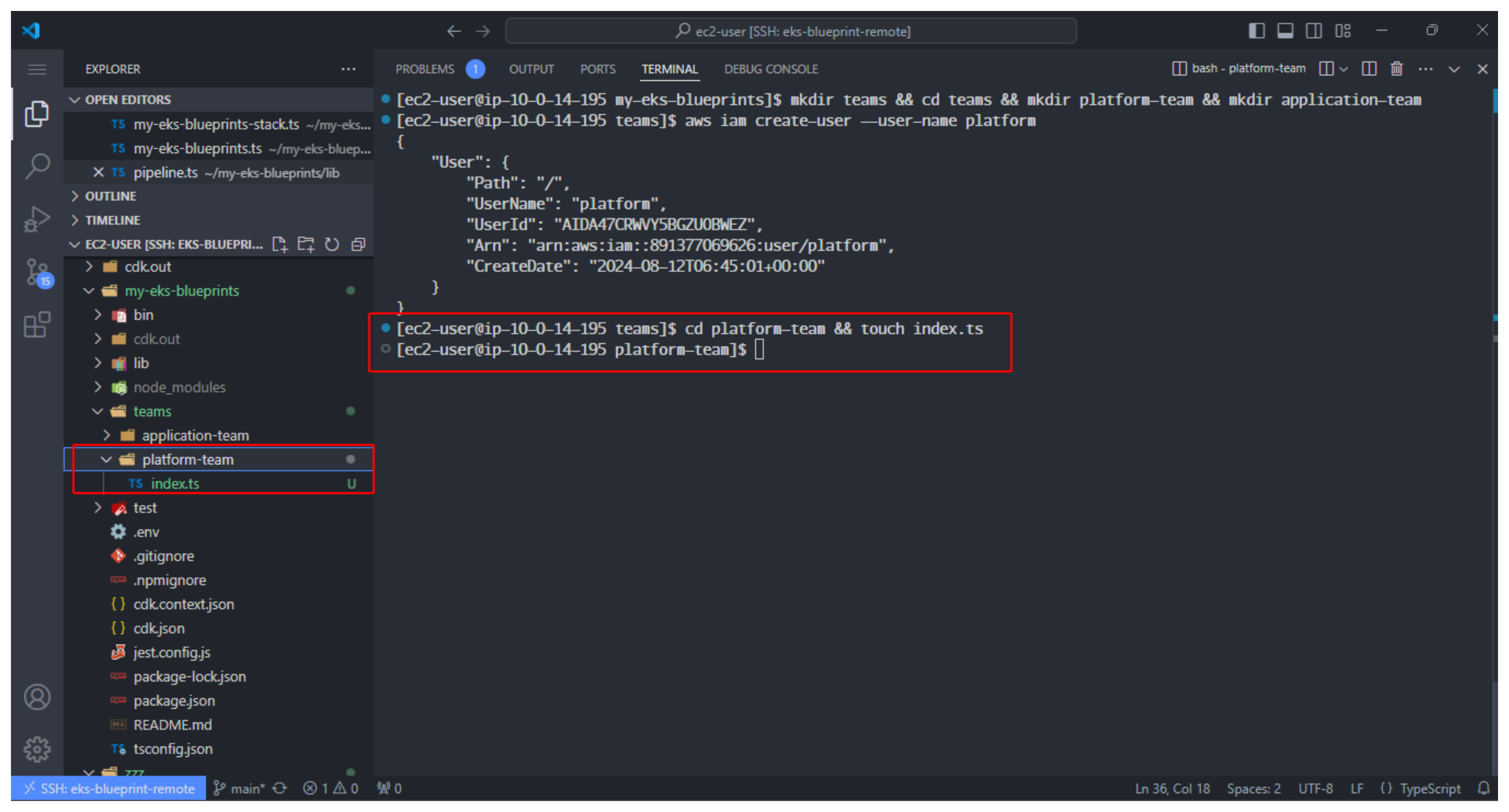
- Chúng ta sẽ tạo thêm file index.ts trong thư mục team
cd .. && touch index.ts
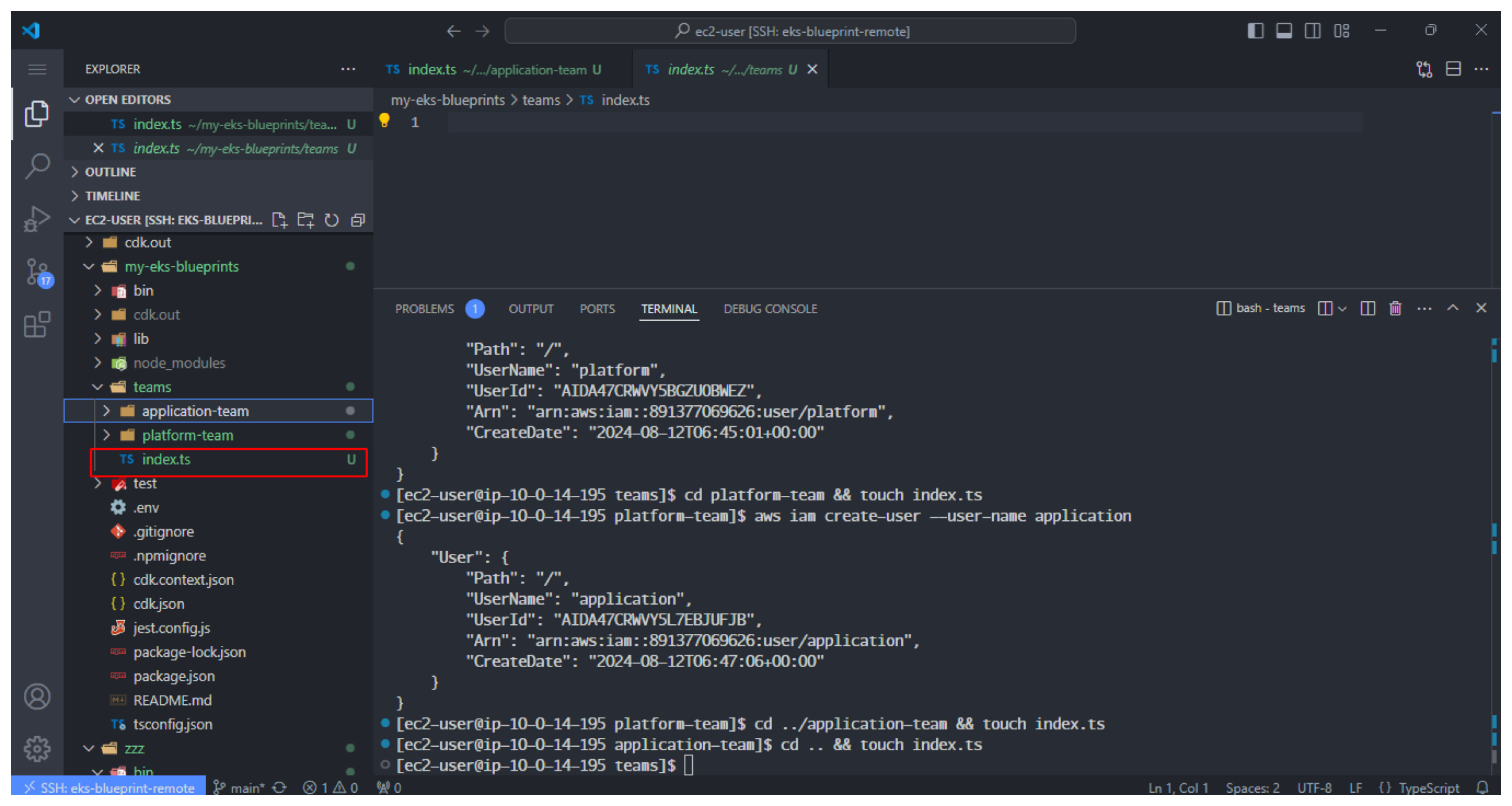
- Trong file index.ts thêm code sau vào:
export { TeamPlatform } from './platform-team';
export { TeamApplication } from './application-team';